Saved Views & Export Data
Last updated: September 25, 2025
Saved views
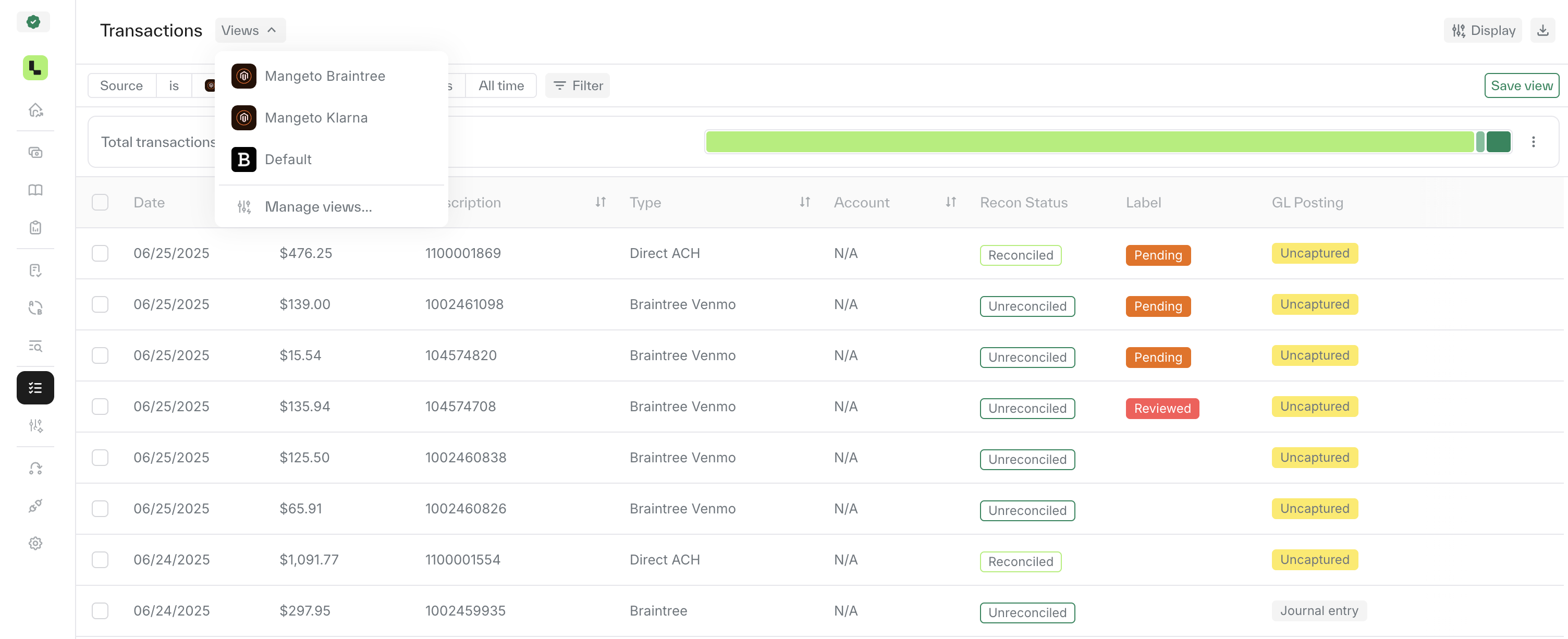
To make your work easier, you can create saved views that let you quickly switch between different table setups. You can set one as your default view, and change it to a different one at any time.
Set display options - First, choose display settings (filters, columns, etc) you want.
Save your view – Click the 'Saved View' button (just below the Display button), give your view a name, and save it.
Switch between views – All your saved views will appear above the filters bar on the right, making it easy to switch between them at any time.
Export transactions
Go to the top-right corner of the page and click the export button (⬇).