Payment Flows
Last updated: September 25, 2025
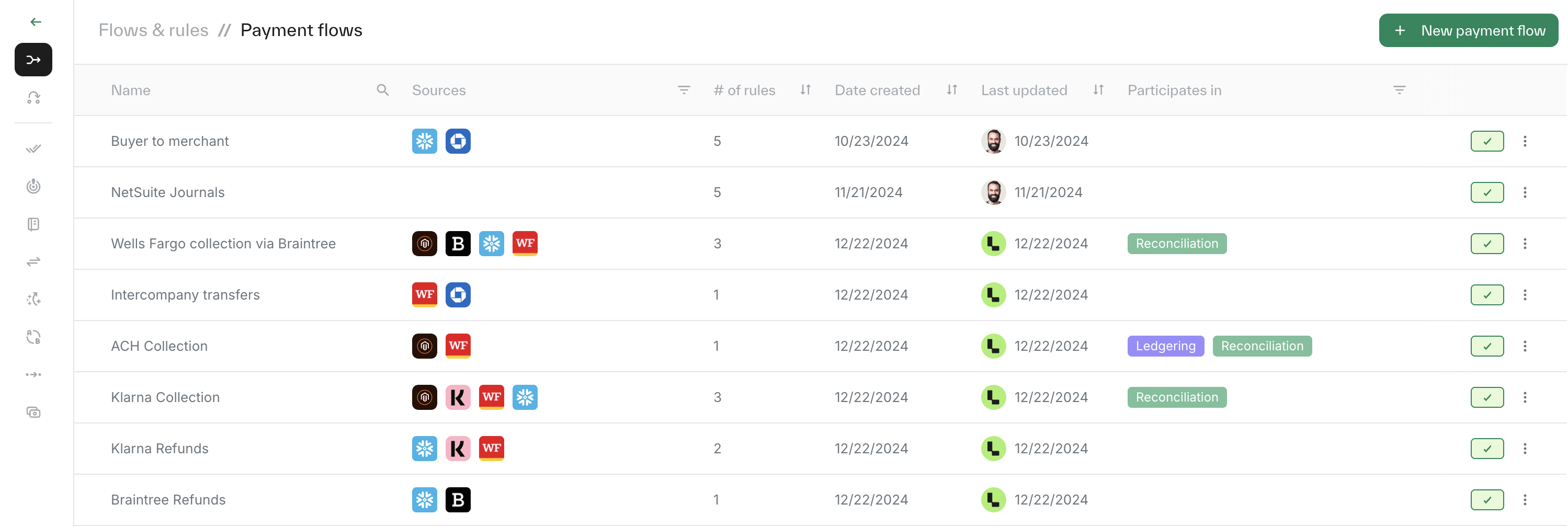
Payment flows define the connections between your sources. Each flow includes an expectation (origin source) and a satisfaction (target source). All matching rules that share the same origin and target need to be grouped under the relevant payment flow. You can find them in the Left bar → Flows & Rules → Payment Flows.
Creating a payment flow
Click 'New Payment Flow' at the top right of the page.
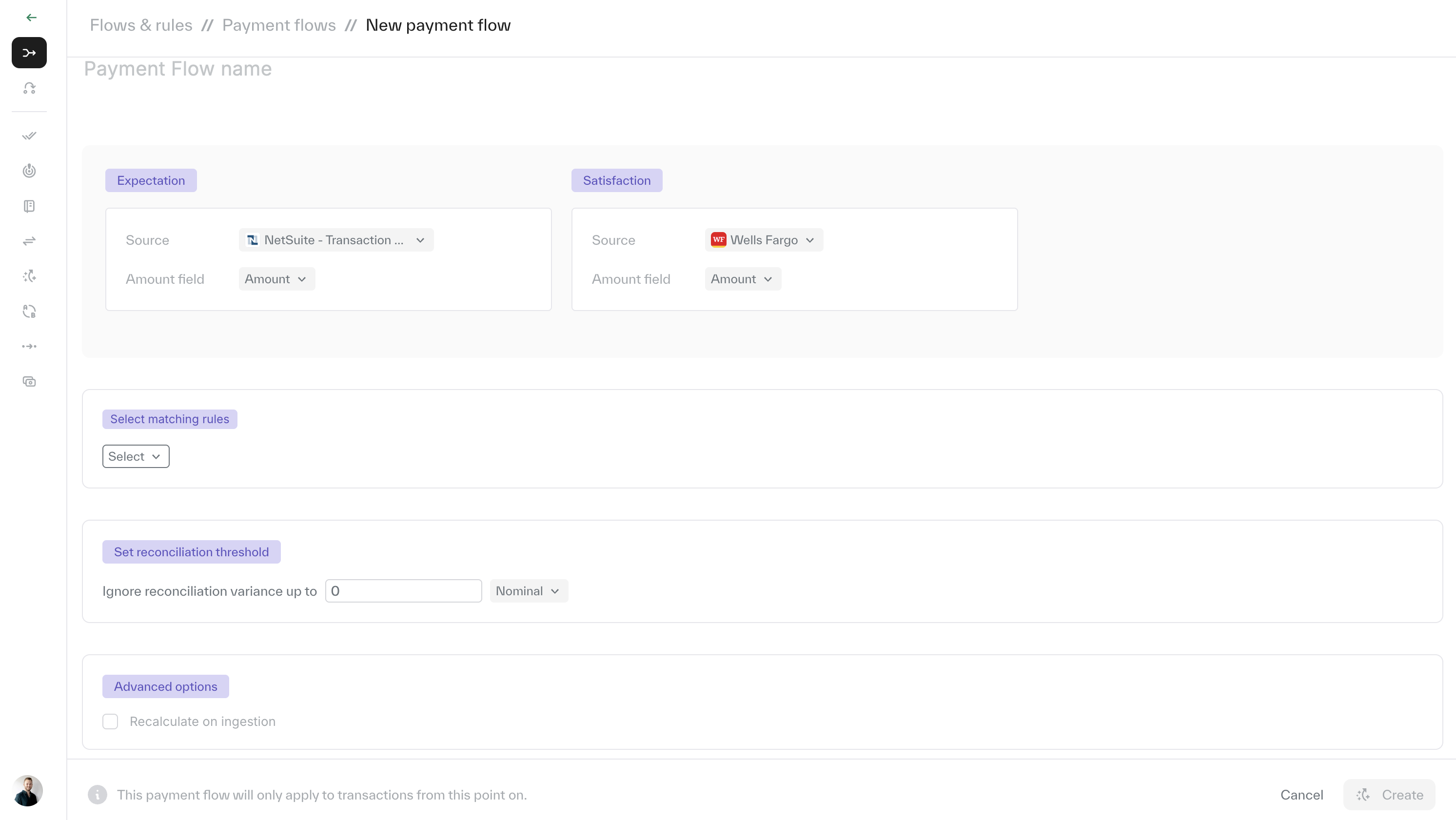
Enter a clear name for your payment flow.
Select the expectation (origin) and satisfaction (target).
Add the matching rules relevant to this flow.
Adjust the reconciliation threshold to allow flexibility in reconciliation, depending on your specific use case.
Editing a payment flow
Each payment flow can be edited at any time. Simply open the payment flow and update the required fields.
Deactivating a matching rule:
Each payment flow can de 'deactivated' by clicking the 3 dots on the right of the payment flow and choosing 'Deactivated'.
Please note: Changes for editing and deactivating will only apply to future matches and will not affect historical data.