Managing Users
Last updated: September 25, 2025
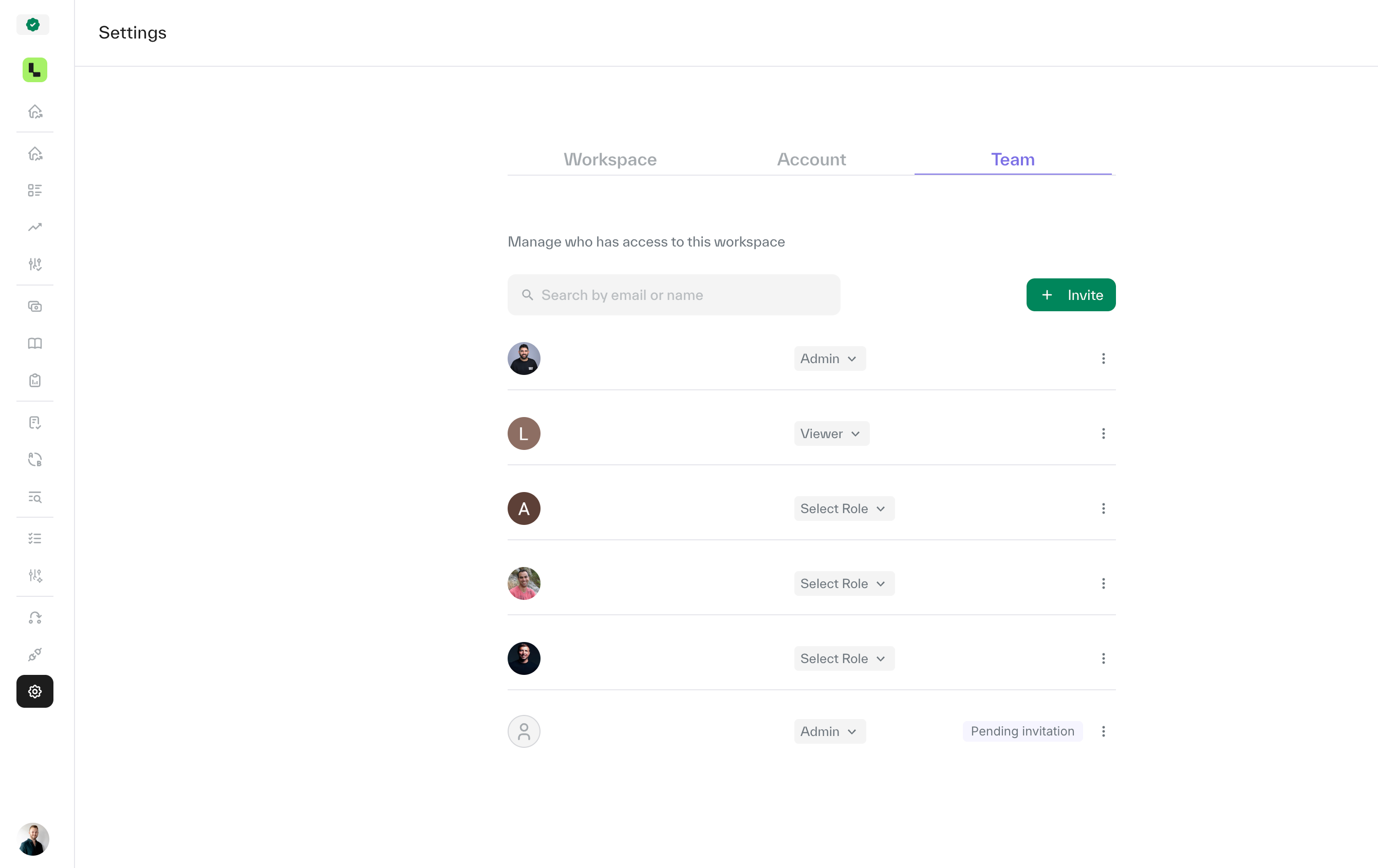
Go to settings.
Select team settings.
Click ׳Invite׳, enter the email addresses of the users you want to add, and assign their role (Admin or Viewer), then click 'Send Invite'.
Invited users will receive an email invitation to join the Ledge account. They must accept the invitation before gaining access.
Note: Only admins can manage users. If you’re not sure who the admin is in your account, please contact your Customer Success Manager.