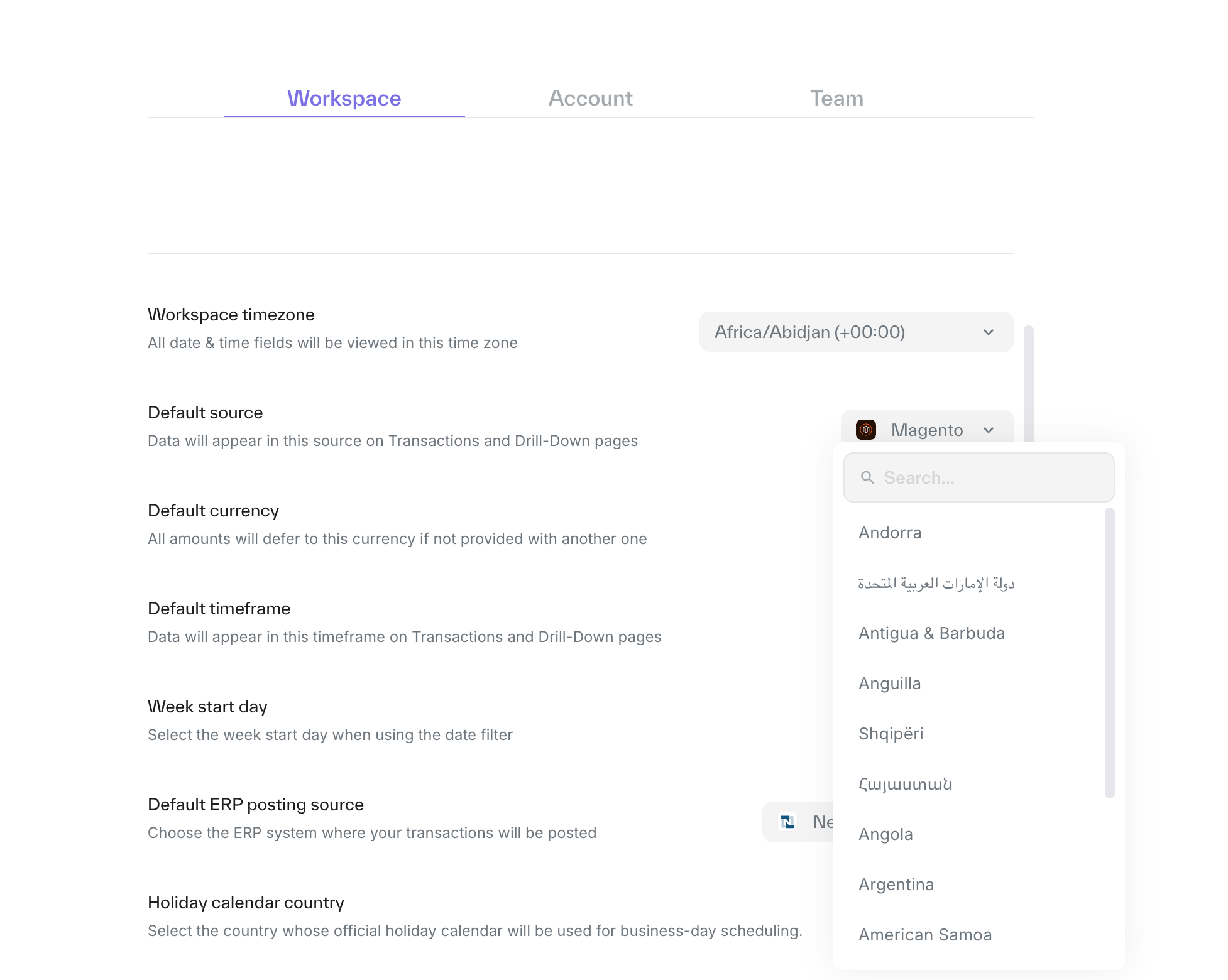
Account Settings
Last updated: September 25, 2025
By going to your account settings you will be able to define your preferred settings based on the needs of your team.
To access your settings: Go to the sidebar -> Settings -> Workspace
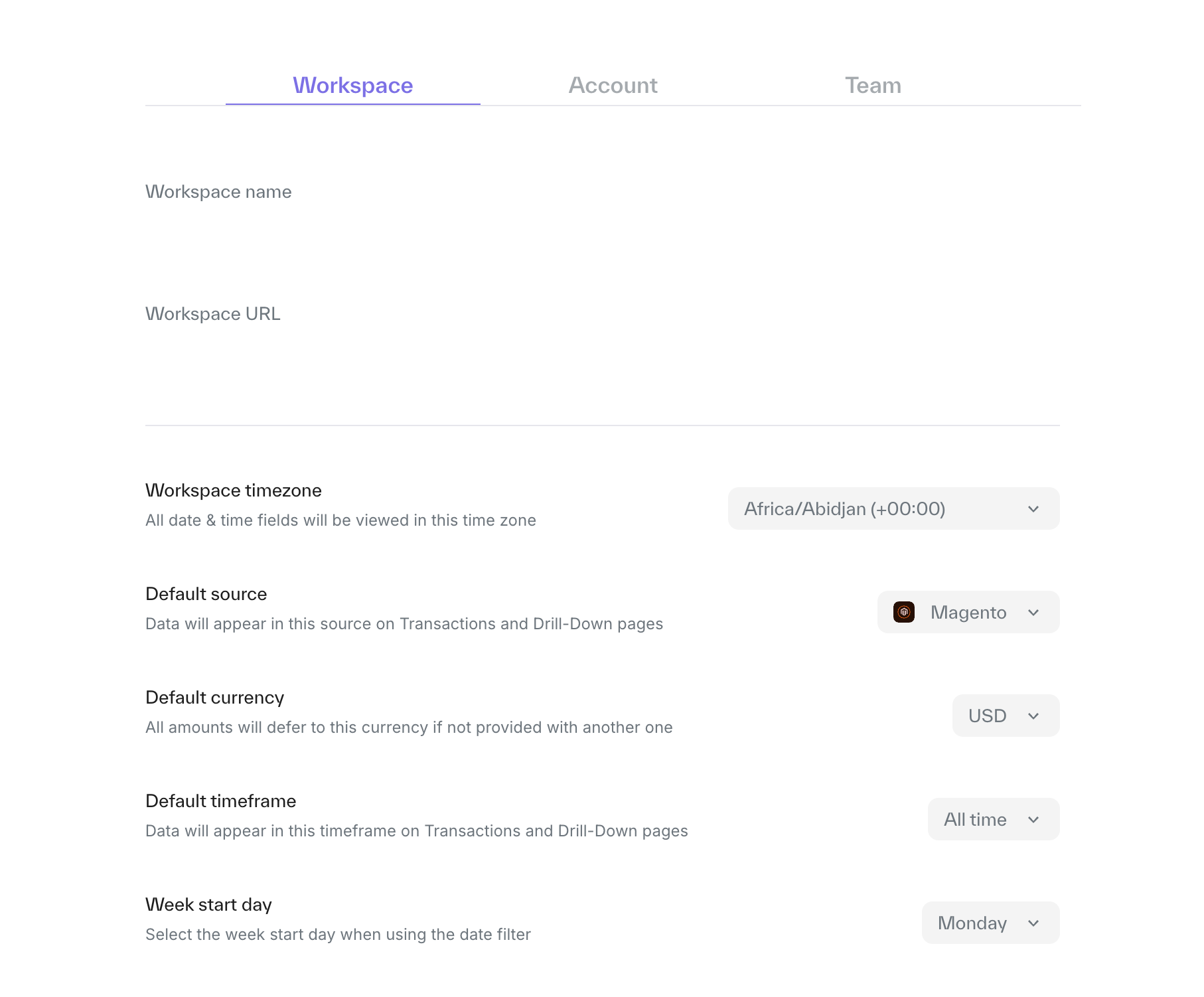
Options:
Workspace timezone - the default choice will be chosen by your current time zone but you can manually change it if needed.
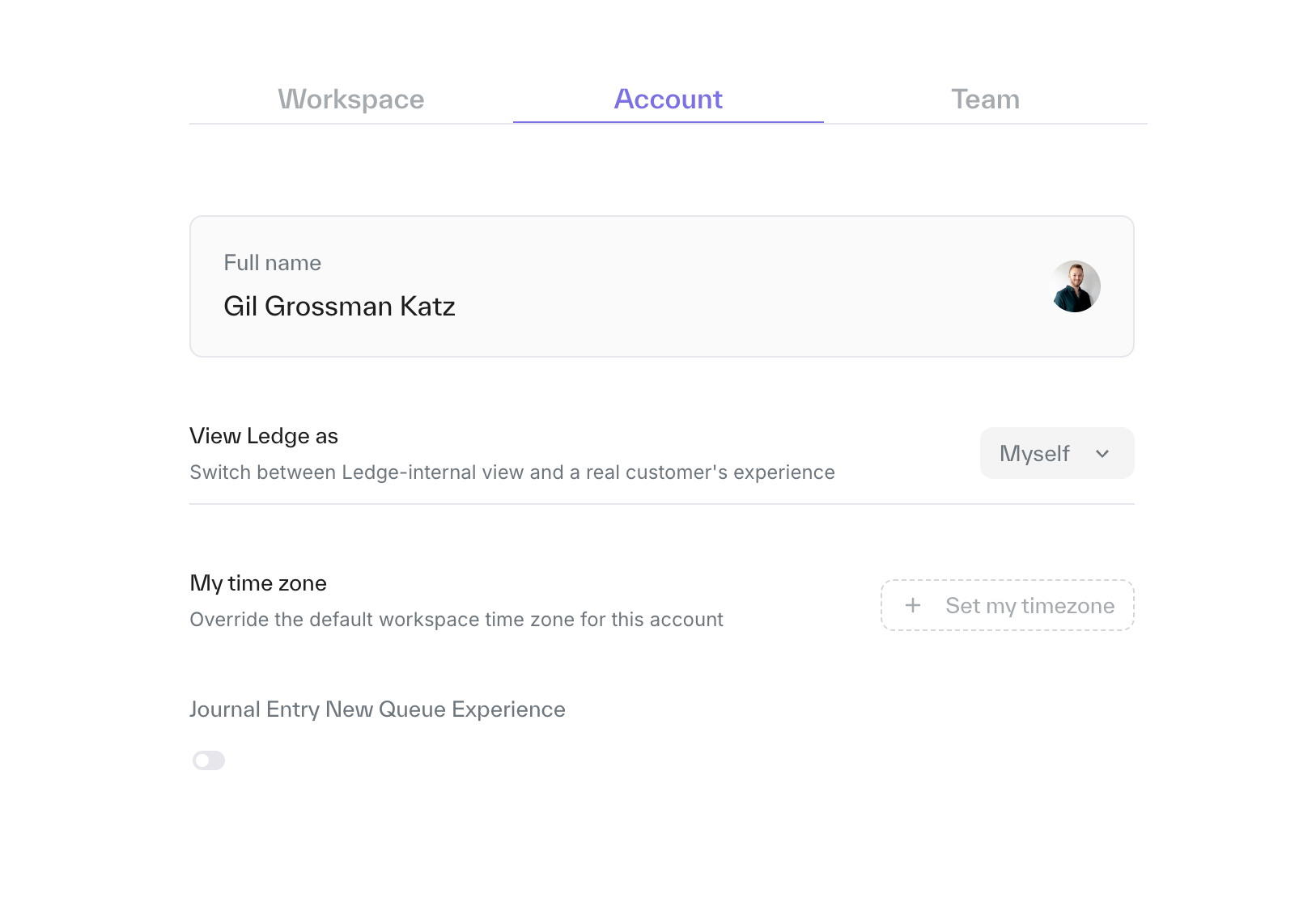
Tip: You can change the timezone for your account alone, without affecting the rest of your team, in the Account section.
Default source - This choice will define the source that will be displayed first in your transactions and drill-down pages.
Default timeframe - This choice will define the default view in the transaction and drill down pages.
Holiday calendar - At the bottom of the page, you can select the country where your main operations are based and automatically embed the relevant public holidays into Ledge.