Drill-down
Last updated: September 29, 2025
Overview
The drill-down feature lets you explore your data in detail, giving you the ability to uncover insights across all your connected sources. Similar to pivot-table functionality in other BI tools, Drill-down allows you to filter, compare, and structure data directly within Ledge.
What is Drill-down?
Drill-down provides access to all your sources, with flexible filtering options that let you:
View detailed data from a single source.
Compare data across two sources side by side.
This feature is designed to help you quickly investigate transaction patterns, identify anomalies, and better understand the relationships between different data sources.
Where?
Sidebar -> Data → Drill-down.
Filter and usage options
Single/side by side - At the top right corner choose the view you are interested.
Single source view
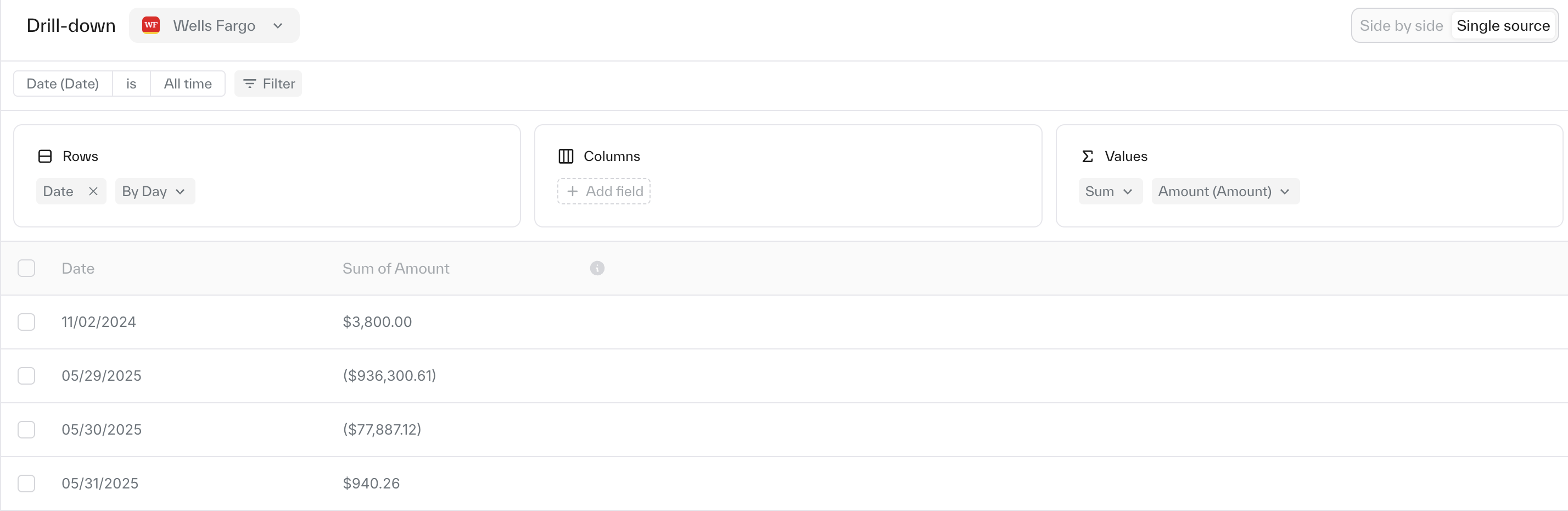
Select your source from the drop-down in the top left corner.
Apply filters to refine your dataset.
Define how the data is displayed by choosing rows, columns, and values—similar to building a pivot table.
Side by side view
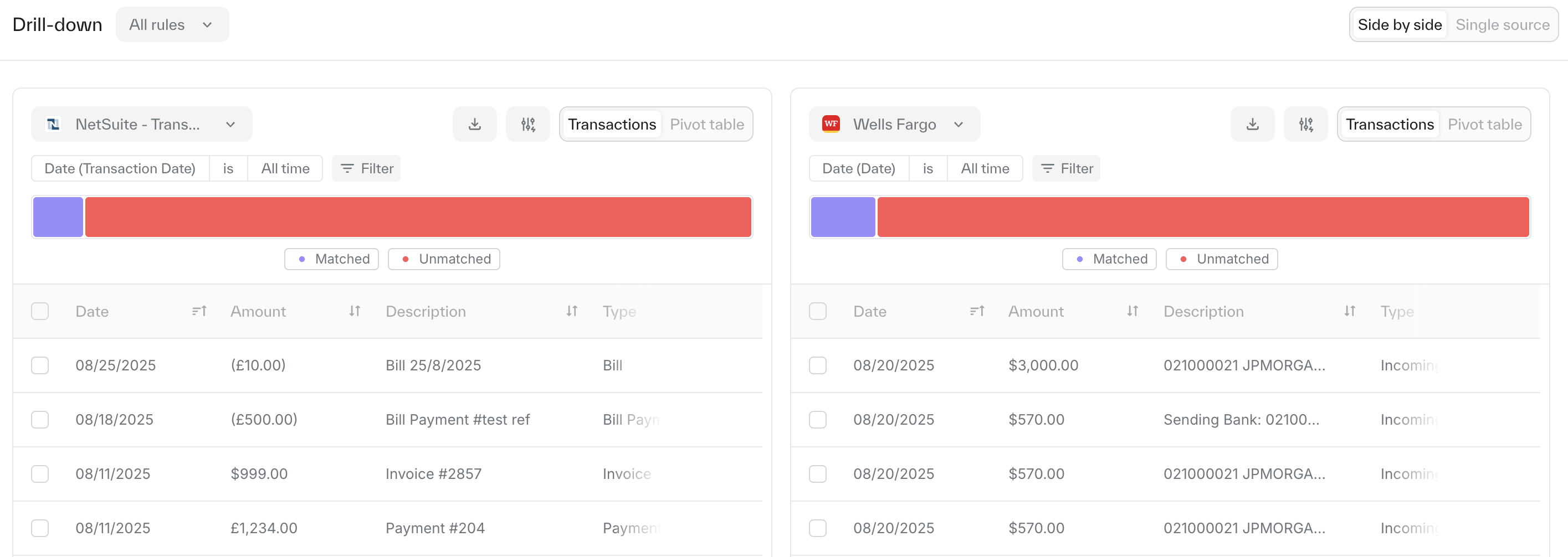
Splits your screen into two panels, each representing a different source.
Each side has all filters and display options as the single-source view.
Once configured, you can directly compare metrics or trends across two different sources.