Integrations & Sources
Last updated: September 25, 2025
Overview
Getting started with Ledge begins by connecting your integrations, which we refer to as sources. A source can be any financial or operational data provider, such as a bank, a PSP, or a database you work with. In this article, we’ll walk through the key concepts you need to know about sources, how they work in Ledge, and what’s required to set them up effectively.
Which integrations are supported?
Ledge supports a wide range of integrations, including banks, PSPs, ERPs, billing systems, databases, and many more. Thanks to our flexible plug-in architecture, we can easily connect to the systems you already use. Integrations are established through API, SFTP with the most common providers in the market.
Where can I see my sources
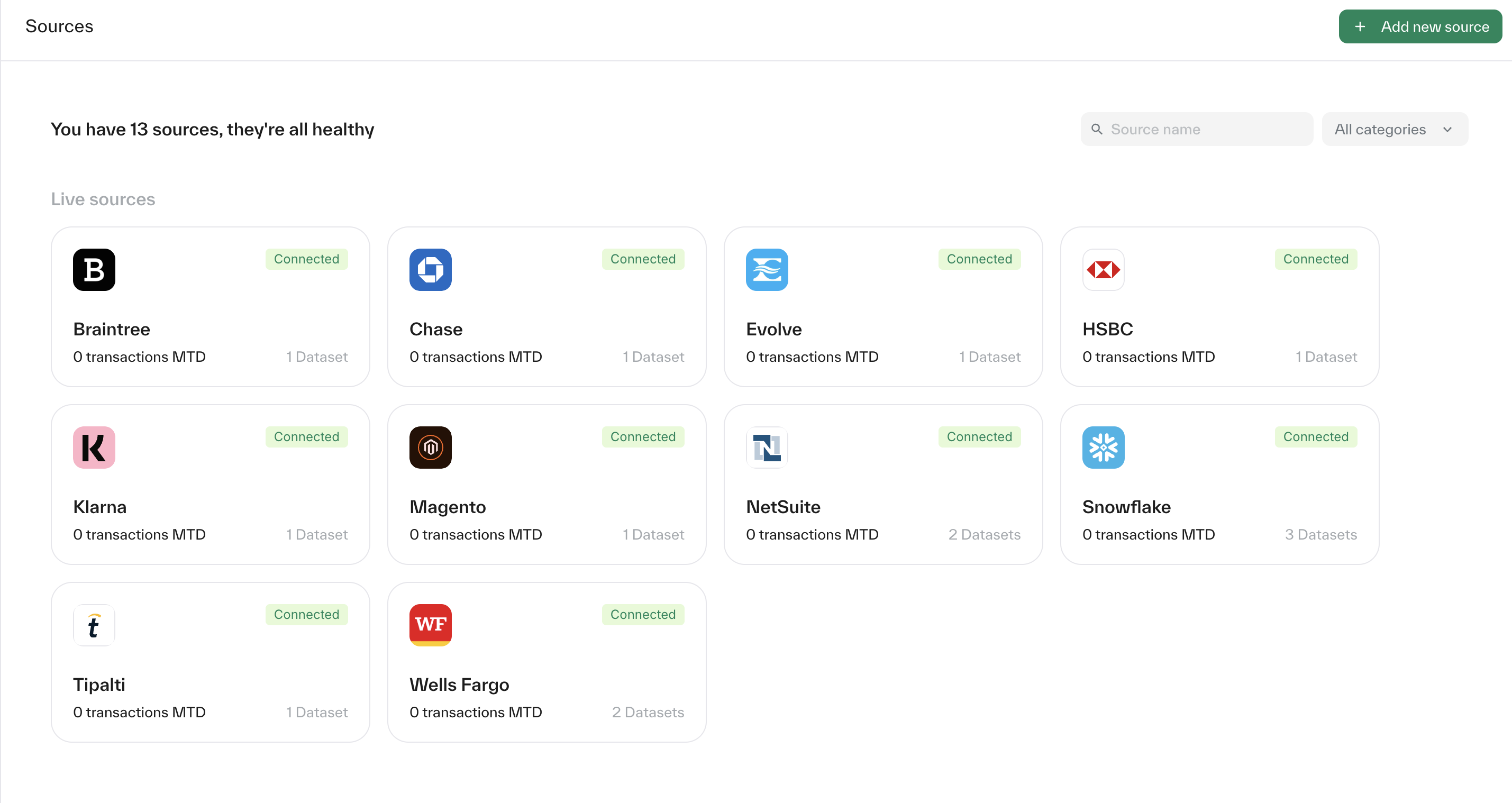
You can view all your connected sources directly from the sources page, located in the side bar. This page provides an overview of every source linked to your Ledge account.
How to add a new source?
Go to the sources page - In the top-right corner, click 'Add new source'.
Select your integration - From the list, choose the relevant integration you’d like to connect (e.g., bank, PSP, or other system).
Follow the setup instructions - The next page will display step-by-step guidance specific to the integration you selected.
Tip: If you need help or run into any issues, your Customer Success Manager is always available to guide you through the process.
Which data does Ledge pull?
Ledge only pulls the data you request and authorize. Sensitive data fields can be blocked from sharing, so you remain in full control. We act strictly as a data processor, using your data only to deliver the agreed services, never for our own purposes. All data is protected with industry-standard security and handled in compliance with GDPR, UK GDPR, CCPA, and other global privacy regulations.